What happens inside a WooCommerce store connected to MoboCore?
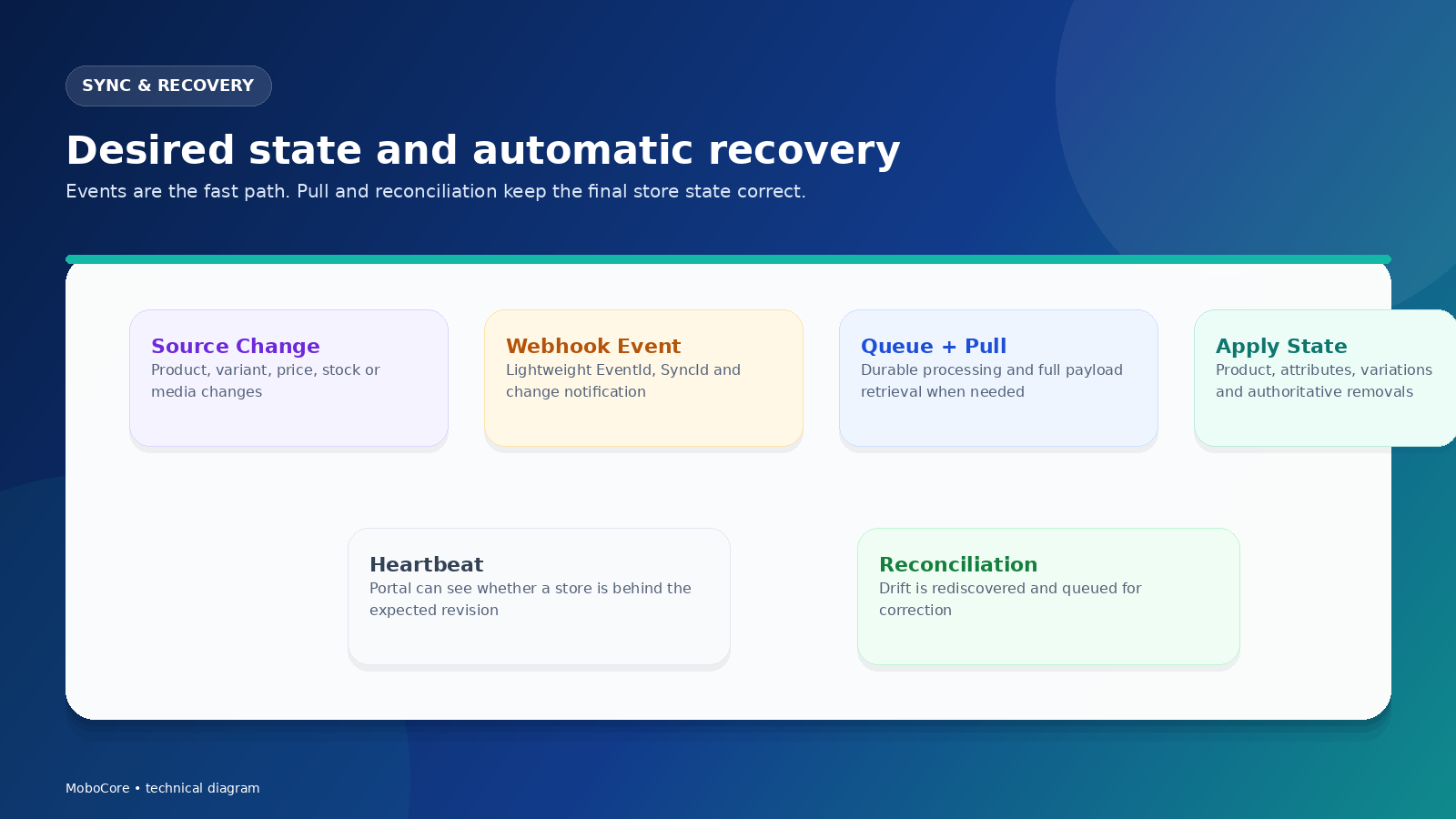
Mobo Core runs as the store-side connector. The store keeps its customer-facing checkout and local commerce rules while the provider's dedicated Portal coordinates authoritative catalog state, synchronization, recovery, source order submission, and health monitoring.
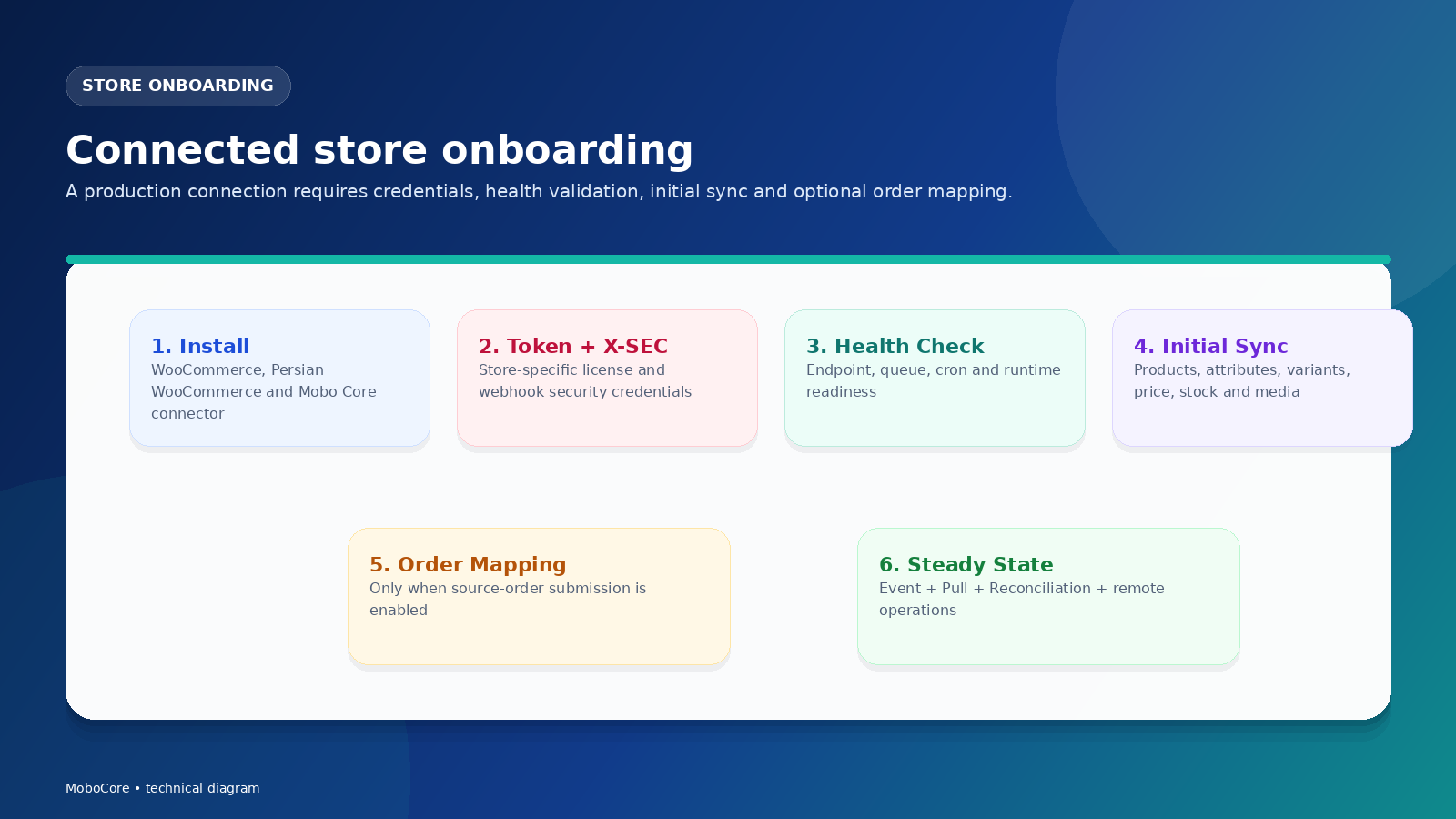
From plugin installation to a monitored production connection
Install Mobo Core
Install and activate the connector on WooCommerce.
Configure credentials
Add the store-specific token, license and security code.
Configure mappings
Map categories, addresses and shipping methods to provider contracts.
Run initial sync
Import and reconcile catalog, variations, stock, pricing and media.
Validate site health
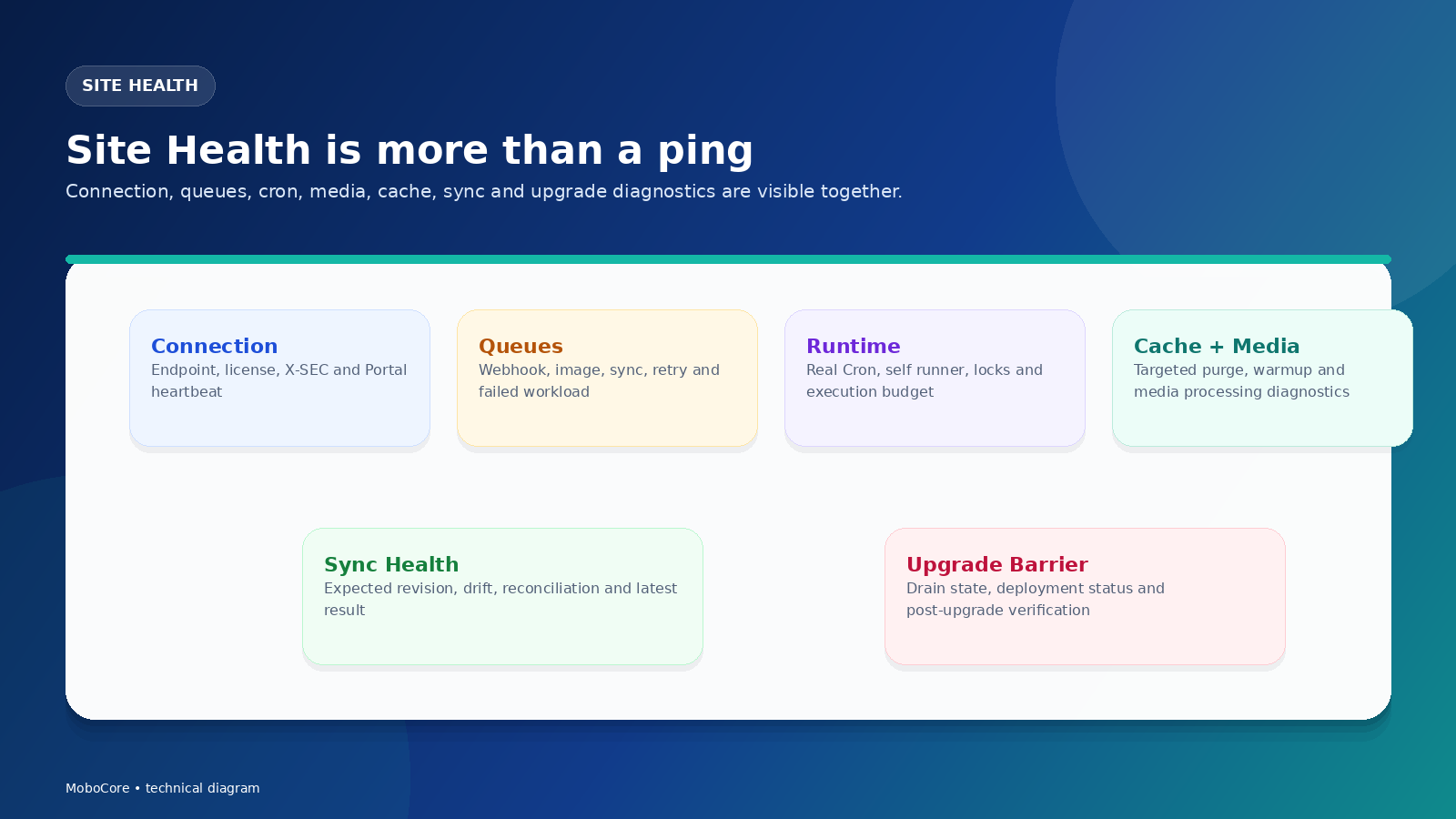
Confirm endpoints, cron/runner, queues and webhook delivery.
Enable operations
Turn on continuous sync, recovery, order workflows and managed upgrades.
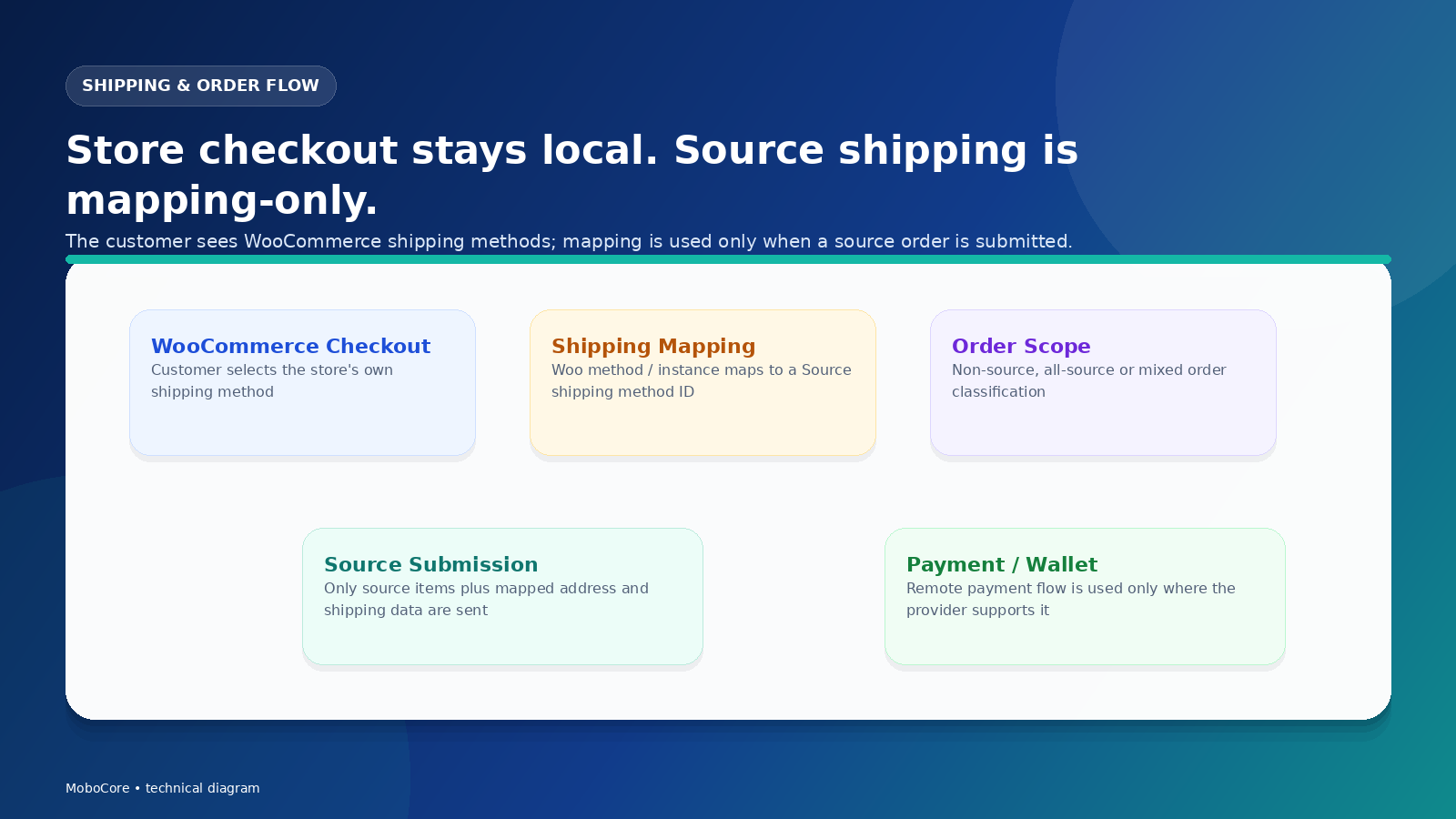
The provider does not replace the store's checkout
Customer-facing shipping methods remain local to WooCommerce. Mapping is applied when an eligible source order is submitted to the provider.
Connected stores are continuously monitored and recoverable